Dropbox

I led design across Dropbox’s New Frontiers organization, shaping future products across AI, platform, ecosystem, and 0-to-1 innovation. My work focused on defining product vision and creating new collaboration and intelligent workflow experiences across Dropbox, Google Workspace, and Microsoft Office.

Product Strategy
AI and ML Experiences
Zero to One Products
Platform Design
Ecosystem Strategy
Roadmap Direction

The Dropbox logo with a blue background and white text.
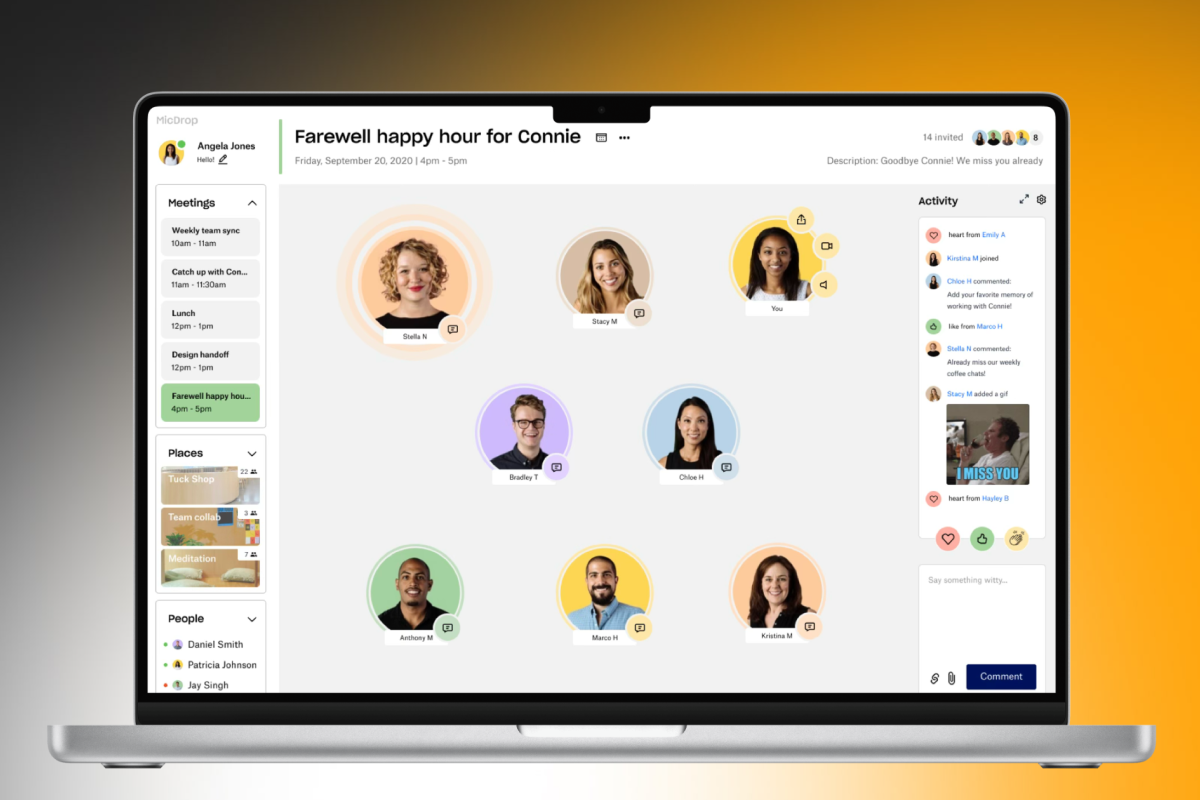
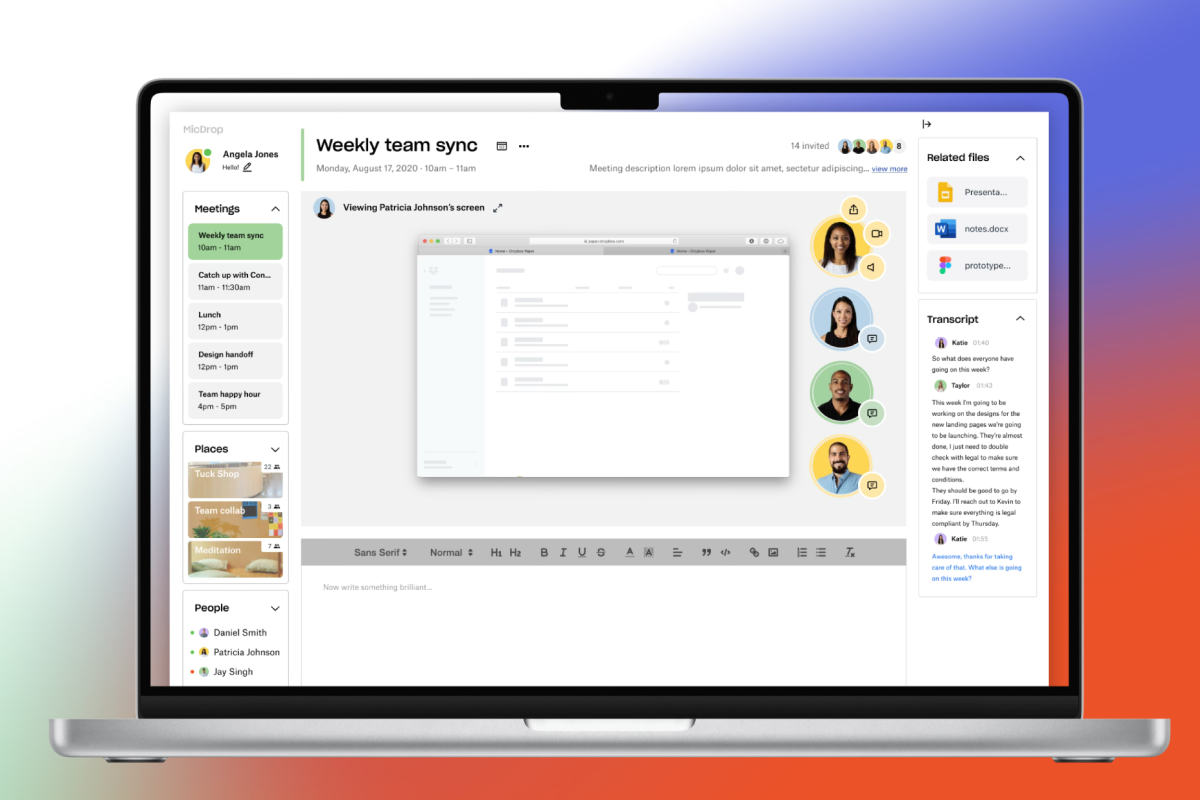
Laptop screen showing a virtual team meeting and chat app with participant icons, a shared screen, and a chat transcript
Icons of Zoom, Slack, Google Calendar, and Airtable connecting to the MicDrop logo.
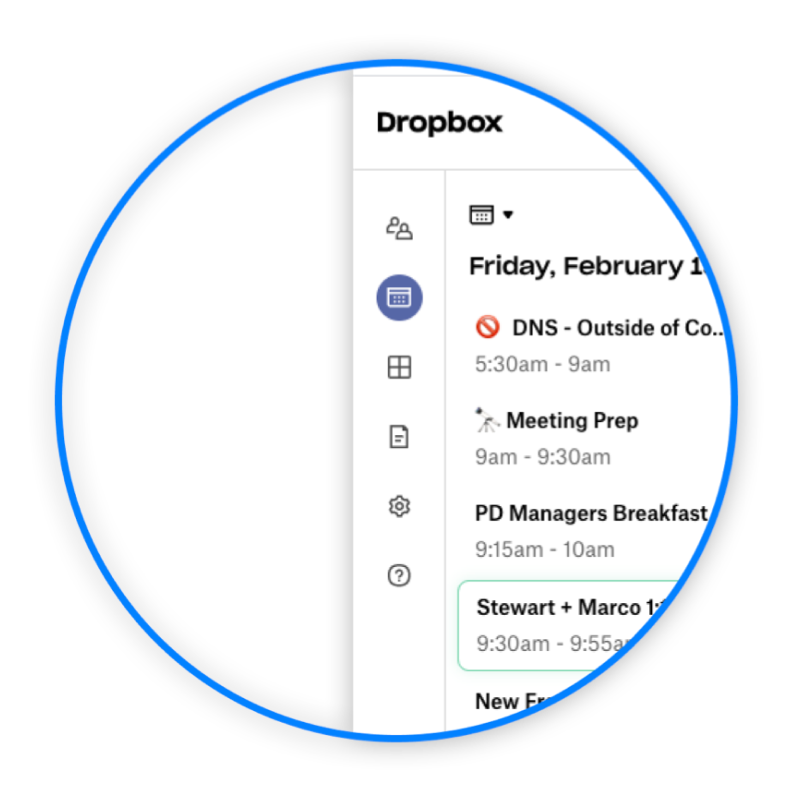
Screenshot of a digital calendar or planner, showing multiple scheduled events including meetings and breakfast, with some text visible like 'DropBox', 'Meeting Prep', 'PD Managers Breakfast', and names 'Stewart + Marco'.
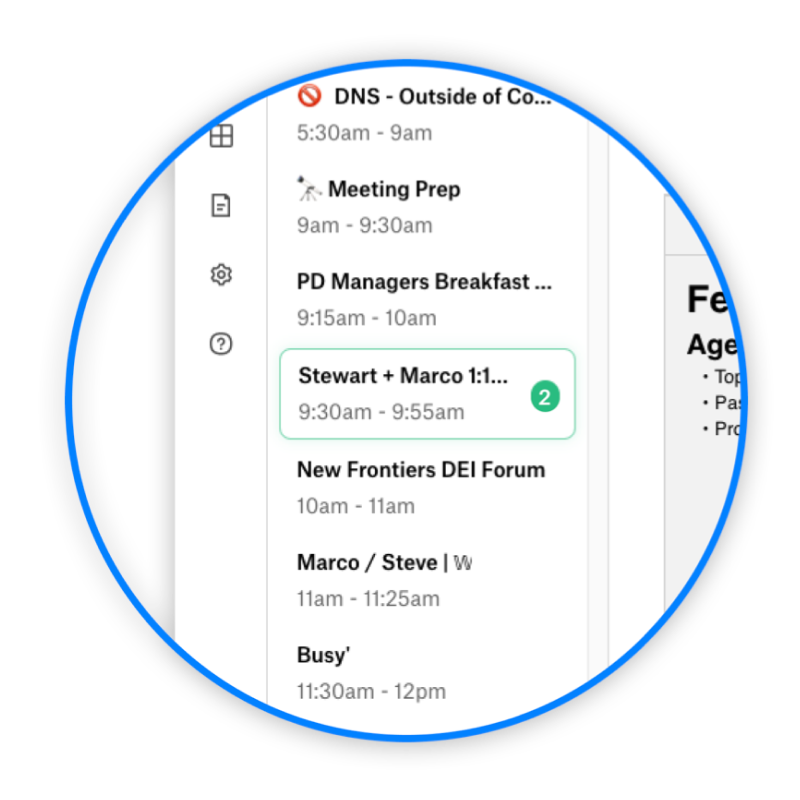
Screenshot of a digital calendar with scheduled events from 5:30 am to 12 pm, including meetings, breakfast, and forum discussions.
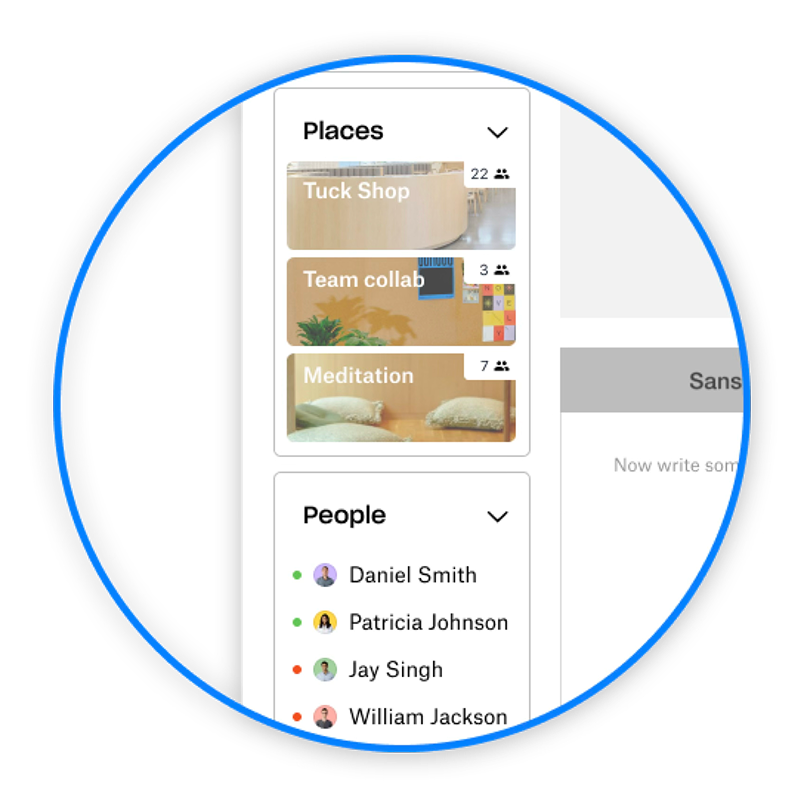
Screenshot of an app interface displaying three places: Tuck Shop, Team Collaboration, and Meditation, along with a list of four people with colored status indicators.
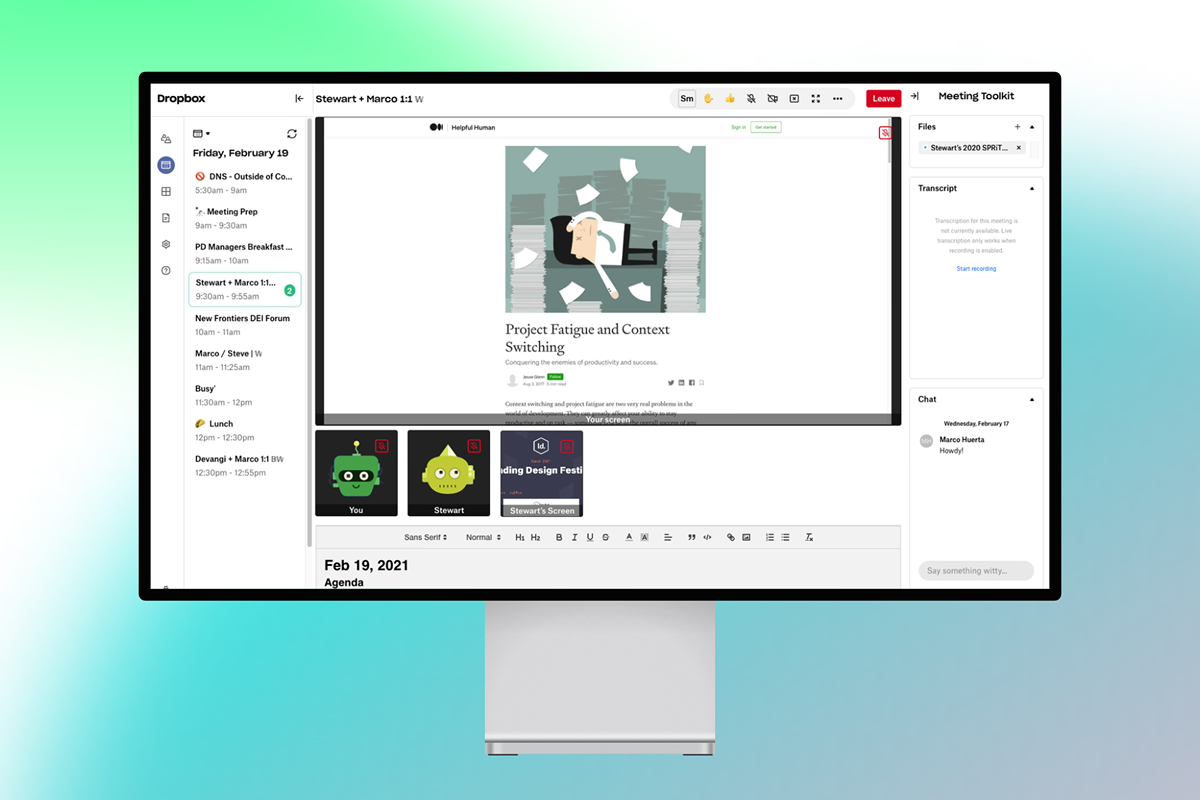
A computer monitor displaying a Dropbox meeting toolkit with a presentation titled "Project Fatigue and Context Switching" and a cartoon image of a tired person sleeping surrounded by falling papers.
Laptop screen displaying a virtual meeting with eight participants, a chat sidebar, and a sidebar with scheduled meetings, places, and people, with a yellow background.
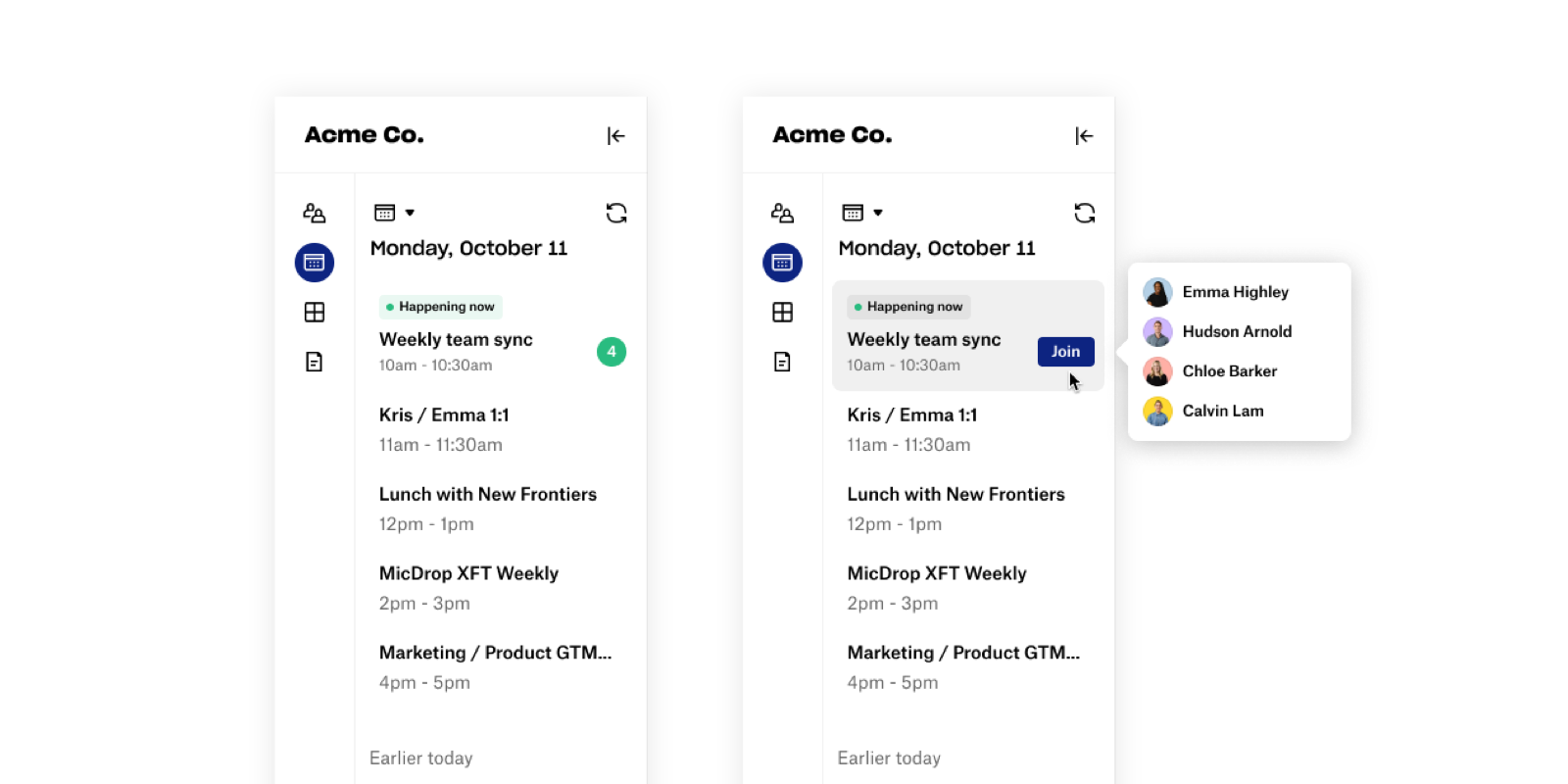
Screenshot of a digital calendar app displaying scheduled events for October 11 at Acme Co., with a side menu showing team members' names and profile pictures, and a cursor hovering over a join button for a meeting.
Colorful app icons on a grid, including a lock symbol, a box with a mountain, a curve adjusting tool, and a letter 'Aa'.
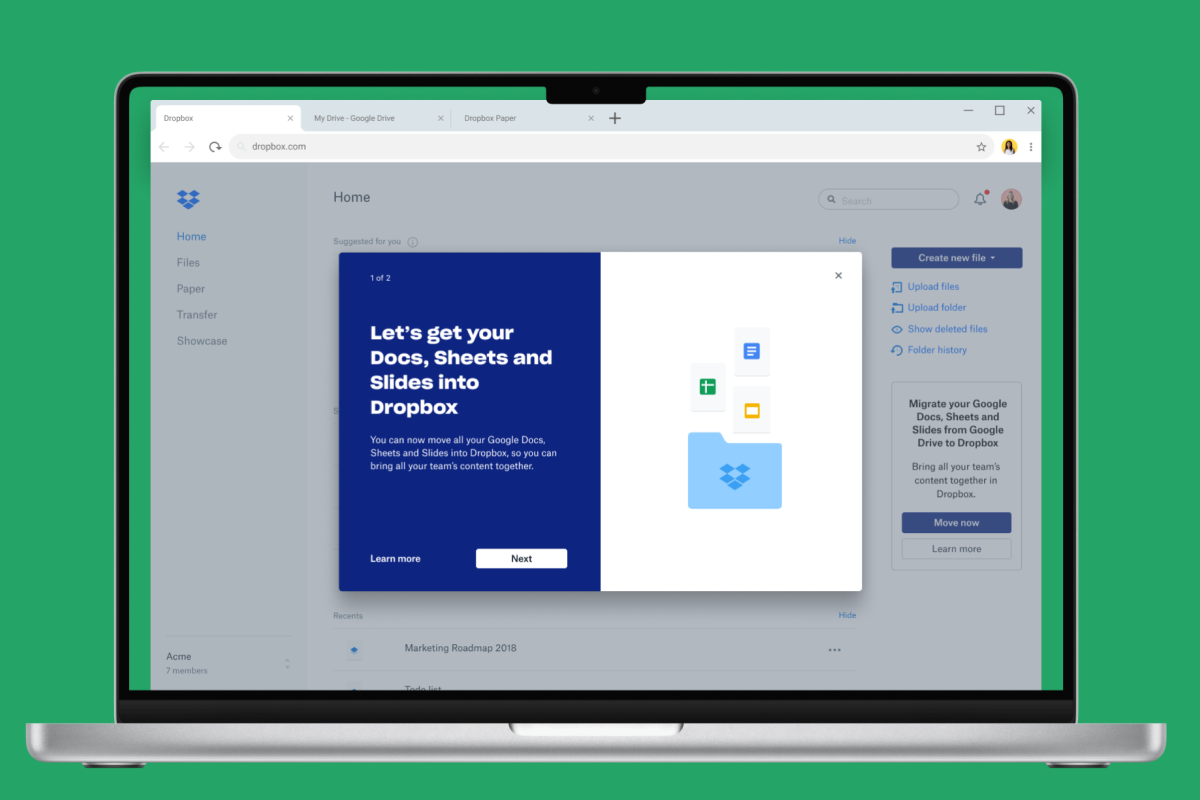
Laptop screen displaying Dropbox homepage with a pop-up window about moving Google Docs, Sheets, and Slides into Dropbox.
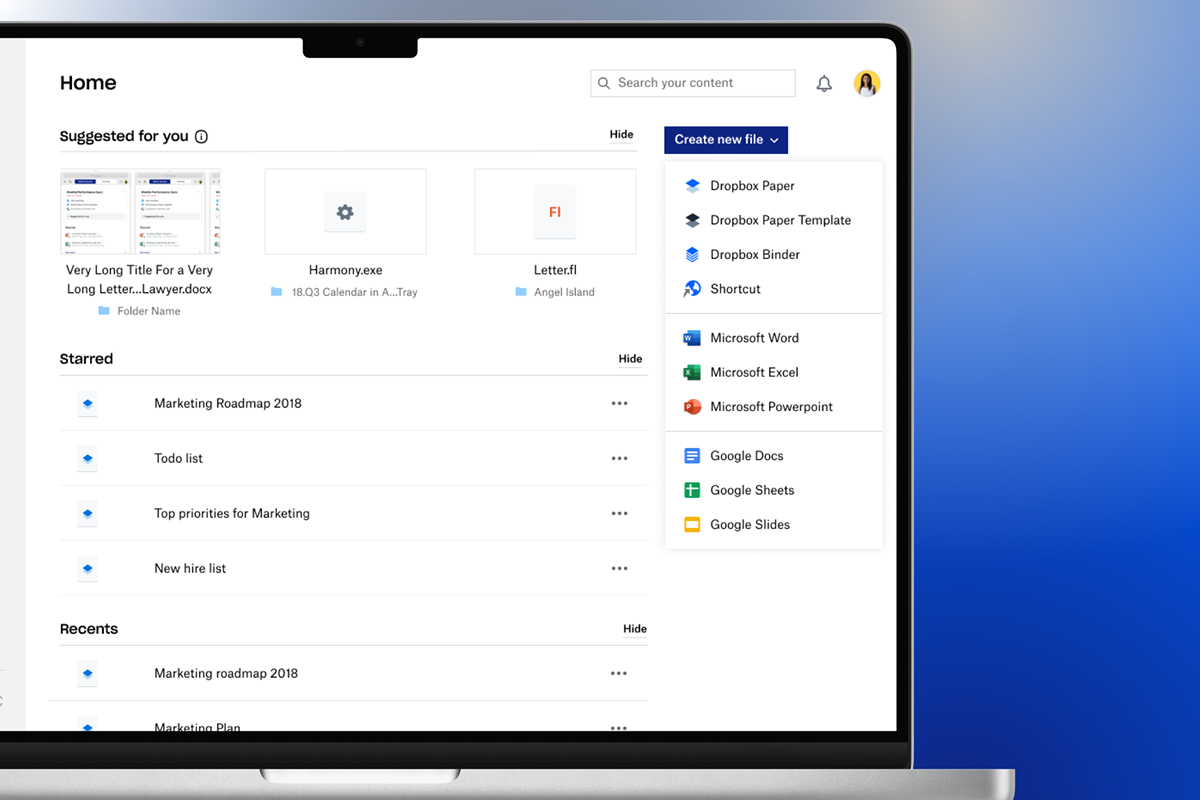
Screenshot of a laptop screen displaying a Dropbox homepage with files categorized under suggested, starred, and recents. A blue button on the right offers options to create new files in various formats such as Dropbox Paper, Microsoft Word, Excel, PowerPoint, and Google Docs, Sheets, Slides.
Icon of the Dropbox application on a blue background.
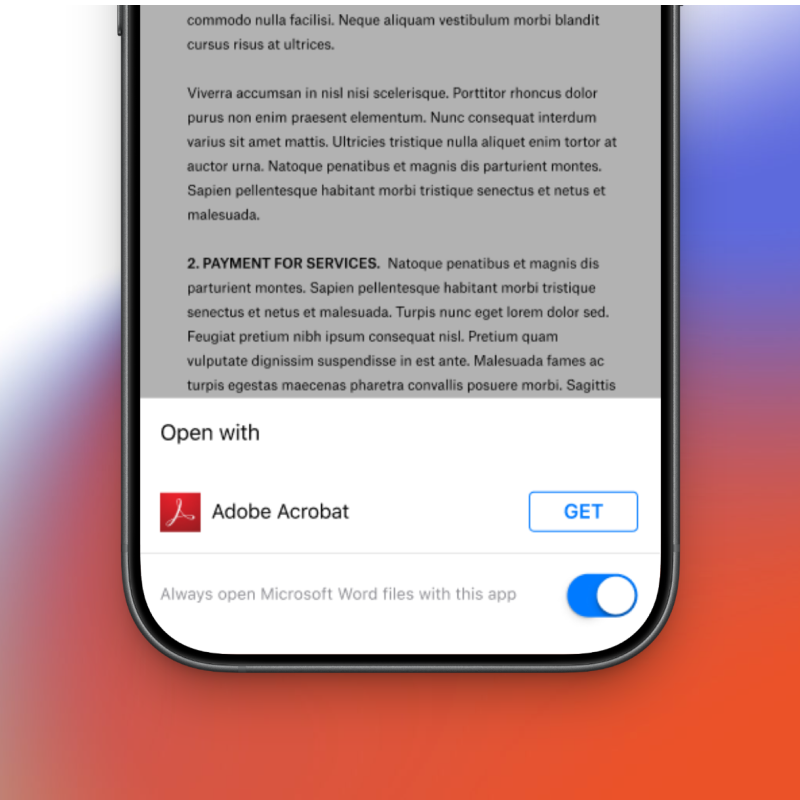
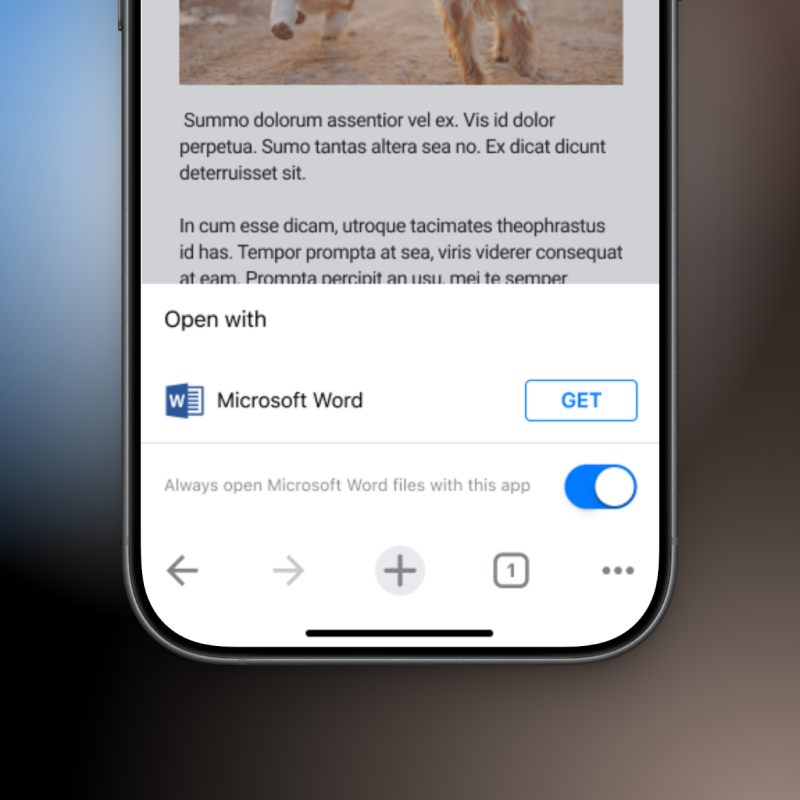
A smartphone screen displaying a document with Latin placeholder text and an options menu at the bottom showing an Adobe Acrobat icon with a 'GET' button, and a toggle switch for opening Microsoft Word files automatically.
Smartphone screen showing options to open a document with Microsoft Word, including a toggle to always open Word files with this app.